
Experience Messaging Like Your End-Users
The Conversive Simulator lets you preview how your messages appear to your end-users—before you even acquire a sender ID. It mimics a real mobile messaging app and provides a powerful way to test features like campaigns, automations, and more.
Why Use the Simulator?
Test before you send: No need for a live sender ID to explore Conversive’s capabilities.
Realistic mobile experience: View messages in a mobile-native format, just like your users will.
Try out all features: Use dummy numbers to test messaging flows, campaigns, automation, and replies.
How It Works
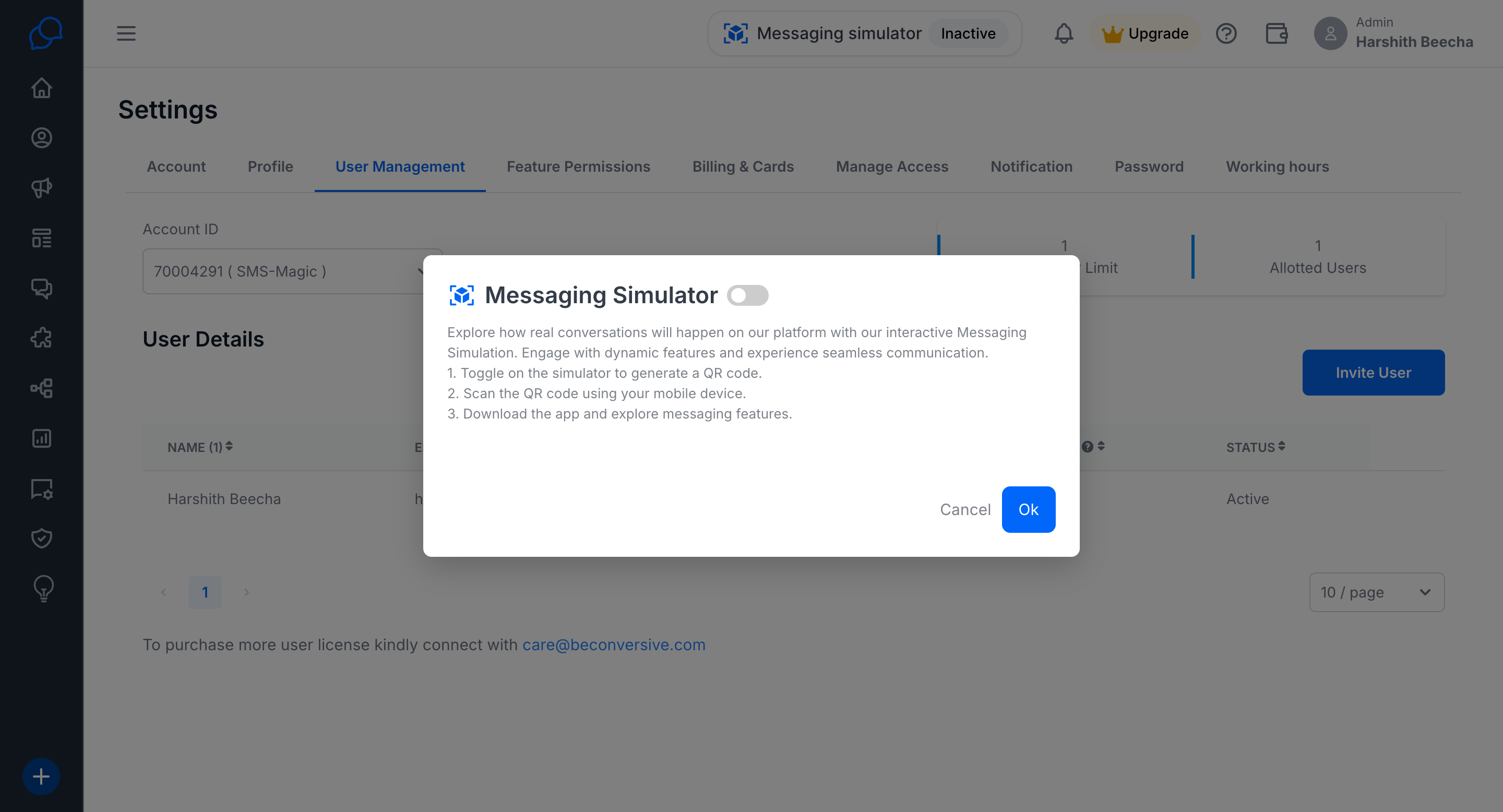
1. Sign Up and Enable Simulator
After signing up for a free trial, you’ll see an option to enable the Simulator.
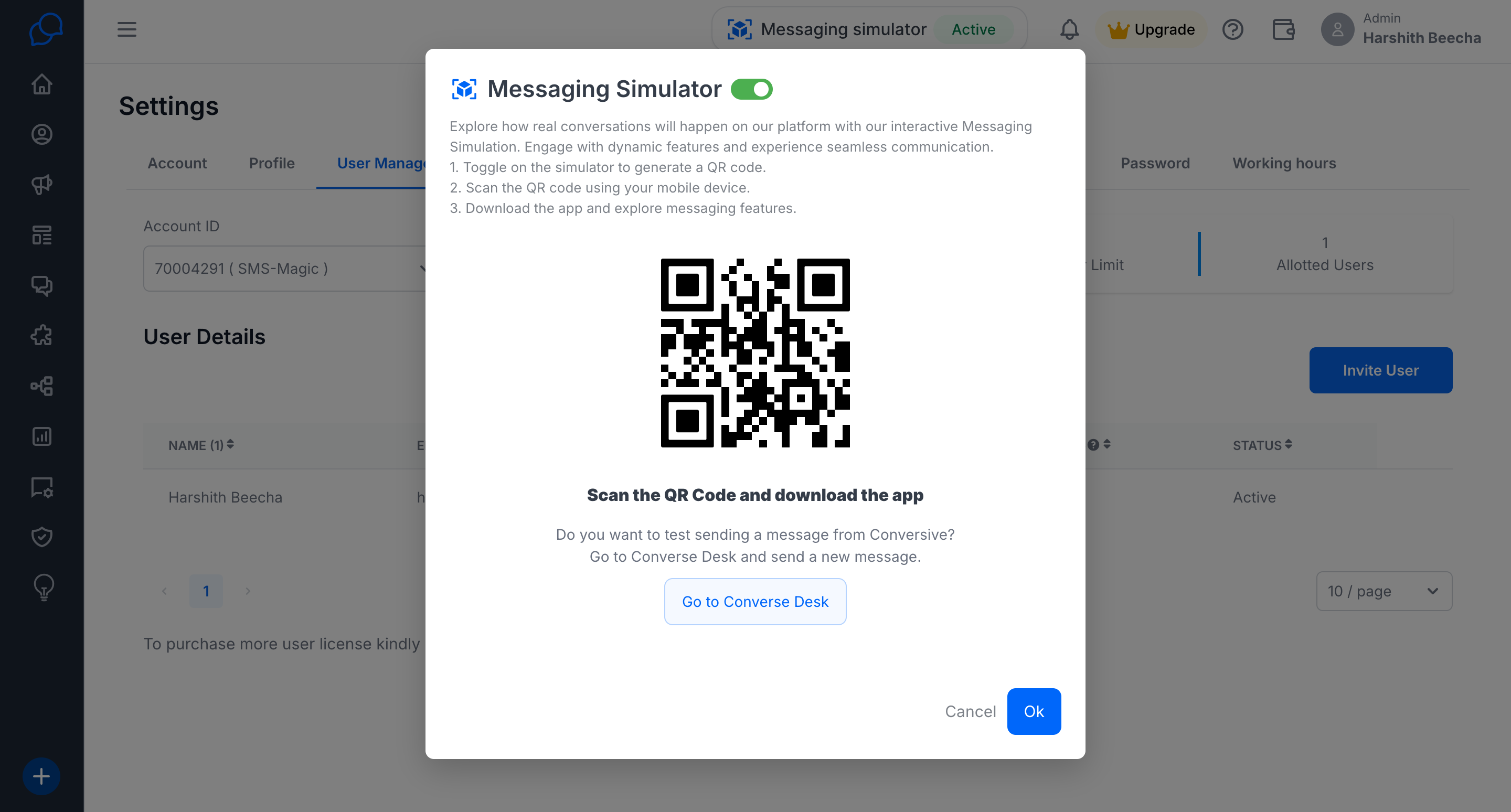
2. Scan QR Code to Download App
Once enabled, you’ll be shown a QR code. Scan this code to download the Conversive Simulator App from the Play Store or App Store.
3. Install and Launch the App
Install the simulator app on your mobile device. Upon opening, the app will assign you a dummy number automatically.
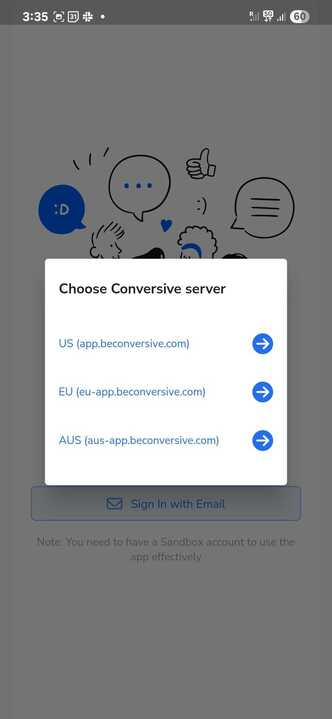
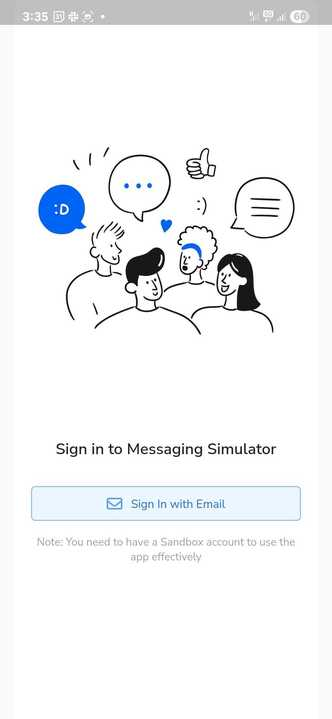
Select the Environment and Sign-In to the Simulator
4. Set Up your Number
You can now use this dummy number to:
Add the Dummy Number to start messaging.
Click on the Add(+) button, and click on the Number that you want to send.


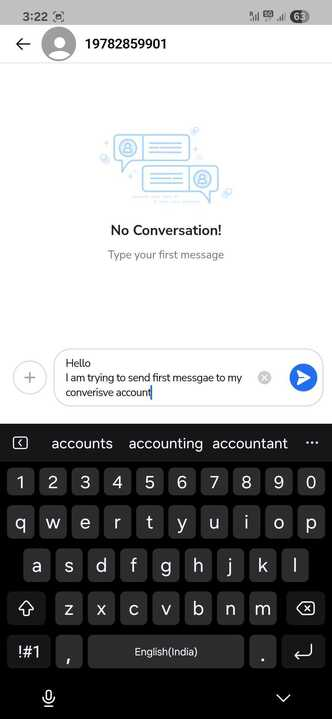
5. Start Messaging with Conversive
Send and receive messages via your Conversive trial account
Test automation flows
Launch campaigns
Interact with chatbots
Validate message formatting and delivery
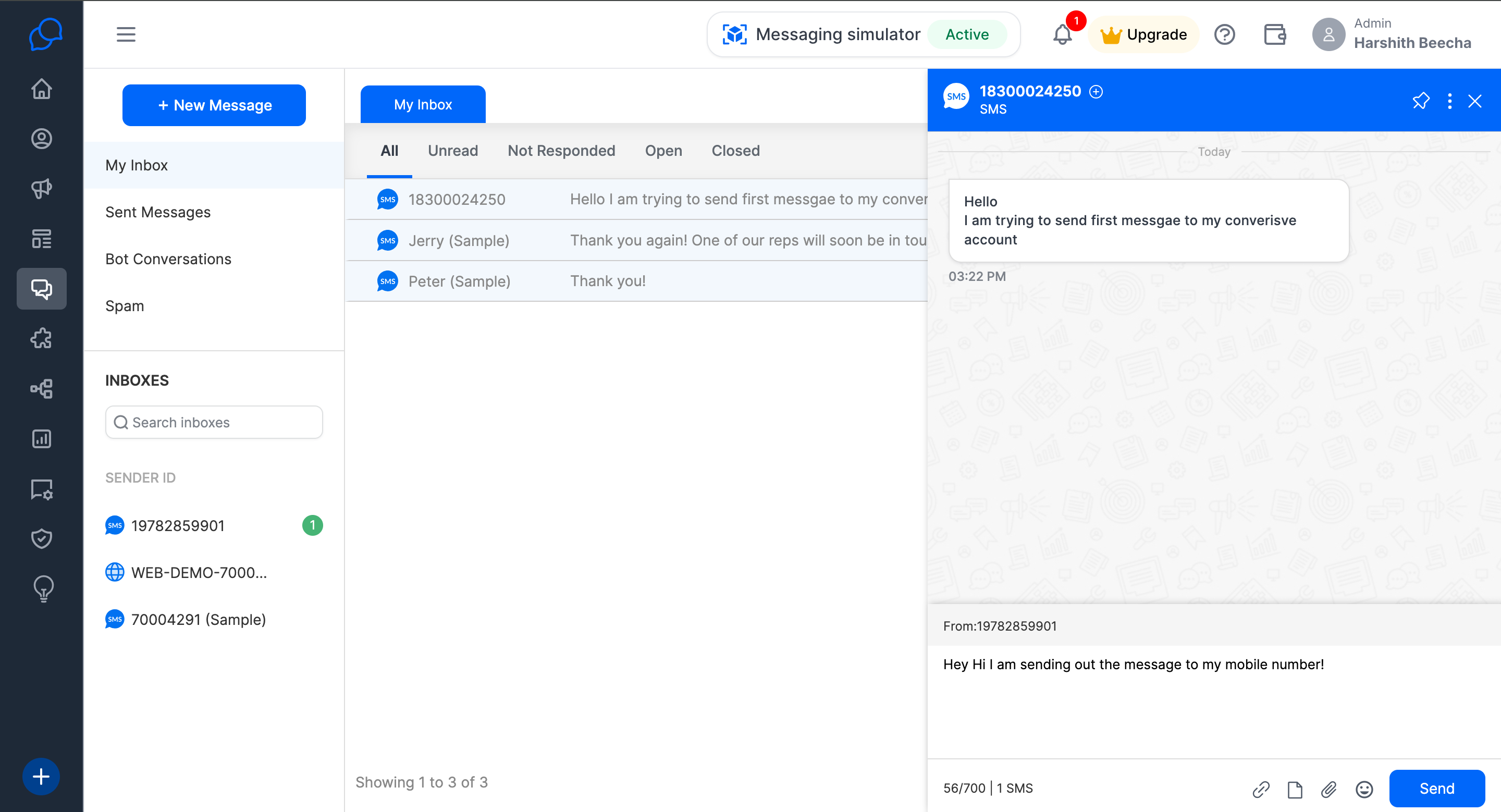
6. Add More Numbers
Want to simulate messages for multiple recipients or team members? The simulator allows you to add up to 5 dummy numbers.
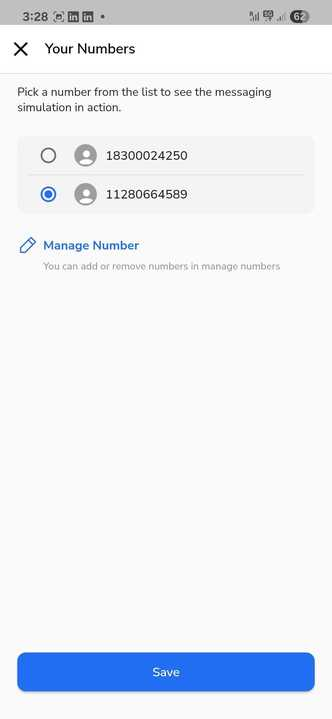

Use Cases You Can Try
Test appointment reminders
Run promotional campaigns
Preview message templates
Simulate opt-in/opt-out flows
Demo chatbots and autoresponders
Ready to Try It?
Enable the simulator and experience Conversive’s messaging just like your end-users will—before going live!
For any questions, contact us at care@beconversive.com.
Frequently Asked Questions (FAQs)
1. What is the Conversive Simulator app?
The Conversive Simulator app is a mobile application that mimics a real messaging app. It lets you experience what your messages will look like to your end-users, using dummy numbers and without needing a live sender ID.
2. Why should I use the simulator instead of my real phone number?
Using the simulator avoids the need for setting up sender IDs or live connections during testing. You can test messaging flows, automations, and campaigns freely—without risking customer confusion or compliance issues.
3. Is the simulator app free to use?
Yes, the simulator is free for all users on a Conversive trial or subscription plan. There are no charges for using dummy numbers or downloading the app.
4. How many dummy numbers can I use in the app?
You can add up to 5 dummy numbers to the simulator app. This is great for testing multi-recipient campaigns or simulating different customer journeys.
5. Can I reply to messages inside the simulator app?
Yes! The simulator lets you reply just like a user would, which helps you test two-way communication, chatbot responses, and conversational flows.
6. Can I use the simulator after my trial ends?
The simulator is mainly designed for use during the trial and onboarding phase. However, some subscription tiers may continue to support it. Contact your account manager or [support] for details.
7. Will using the simulator affect my analytics or reports?
Simulator messages are tracked separately from live traffic, so they won’t interfere with your real campaign metrics. They are great for safe testing and training.
8. What if the QR code doesn’t work for me?
If the QR code doesn’t open the App Store or Play Store, you can search manually for “Conversive Simulator” in your device’s app store or contact us at care@beconverisive.com
